Shorten Big Numbers with K or M
When we have large numbers, we often want to use the contraction "K" or "M" for thousands or millions respectively. To do this in Excel, we need to change the number format to the following.
For thousands (and 2 decimal places): [where 1,234 is shown as 1.23K]
0.00,"K"
For millions (and 2 decimal places): [where 1,234,567 is shown as 1.23M]
0.00,,"M"
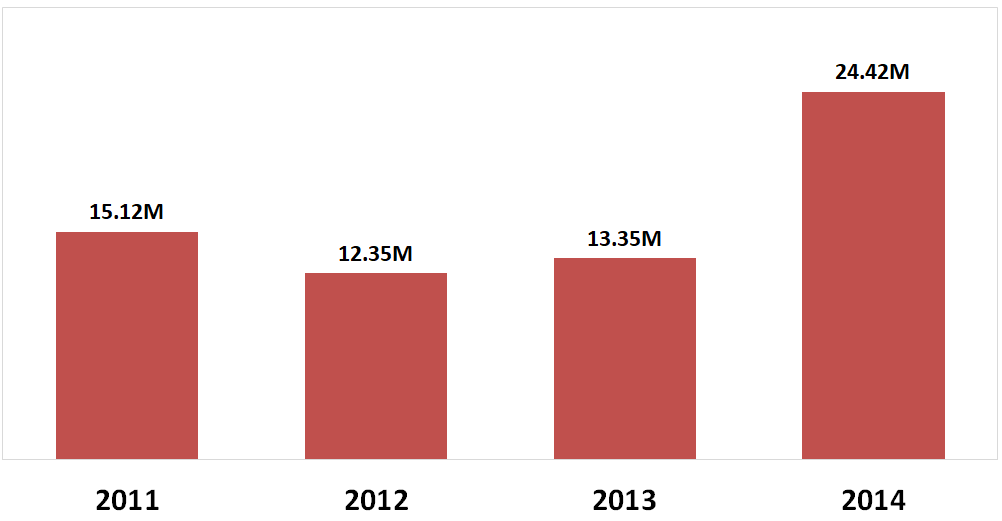
One good use of number formats is in charts, as seen below. This uses the following format in the data labels:
0.00,,"M"
If you want to combine the thousands and millions format, you can use the conditional number format below. Numbers greater than 1 million are shown with an "M", and numbers greater than 1 thousand are shown with a "K".
[>=1000000]0,,"M";[>=1000]0,"K";0
For an overview of how custom number formats work, click here.